
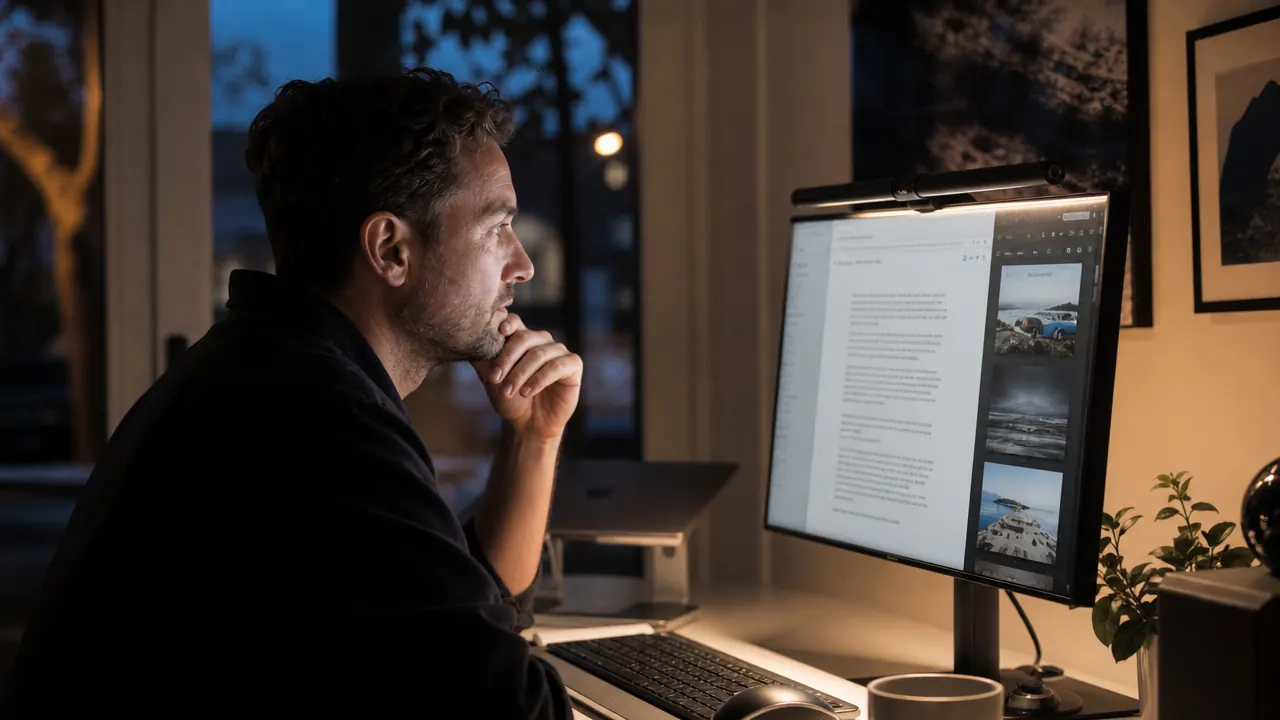
You have tried everything to make your home office comfortable at night: angling the desk lamp away from the screen, cranking monitor brightness down until you are squinting, even closing the blinds to cut ambient glare. None of it fully works, and by 8pm your eyes feel like sandpaper. The problem is not your monitor or your eyes. It is that a desk lamp sitting to the side is the worst possible light source for anyone reading a screen, and no amount of repositioning changes that geometry.
I put the BenQ ScreenBar on my monitor in the spring of 2024 and have used it every workday since. My setup at the time was a 27-inch 1440p display, a standing desk in a room with one north-facing window, and a cheap adjustable LED lamp that lived on the right side of my desk. The lamp worked fine for reading physical notebooks. It was genuinely terrible for screen work. Two years later the lamp is in a closet and the ScreenBar is still on the monitor. Here is everything I have learned.
The Quick Verdict
The best single upgrade for anyone who works at a screen for more than four hours a day. Not perfect at the price, but nothing else does this specific job as well.
Amazon Check Today's Price →If your eyes ache by noon or you are working in a dark room with a bright screen, this one change fixes everything.
At a premium price point, the BenQ ScreenBar costs more than most people expect to spend on a light. But if you are staring at a screen for six or more hours a day, it is the only light designed specifically to illuminate a desk without throwing glare back at the monitor. It clips on in 30 seconds and runs off your monitor's USB port.
Amazon Check Today's Price on Amazon →How I Have Used It
My workday starts at 7am and typically runs until 6 or 7pm with a few evening sessions on top of that. I write, edit, handle video calls, and occasionally do photo work all from the same desk. The office gets decent natural light in the morning but is fairly dim by early afternoon because of the window orientation. Before the ScreenBar I was managing brightness manually, turning the lamp on and off depending on the time of day, and squinting more than I realized. I also had a habit of pulling the monitor brightness down to around 60 percent after lunch, which meant dark text was harder to read and I was leaning forward without noticing it.
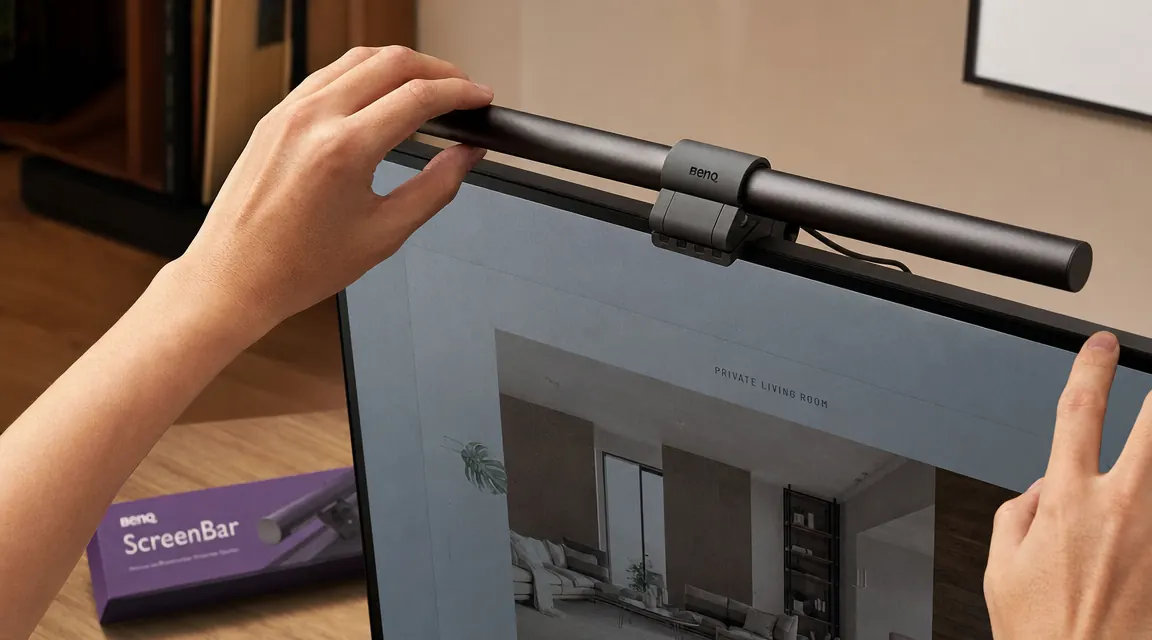
The ScreenBar went on the monitor in about two minutes. The clip sits on the top edge of the display, the bar hangs forward at a downward angle, and the USB-A cable plugs into the back of the monitor itself. There is a touch-sensitive control bar on the right end of the unit with brightness and color temperature controls plus an auto-dimming button. I turned auto-dim on during the first week and have not adjusted it manually more than a handful of times since.
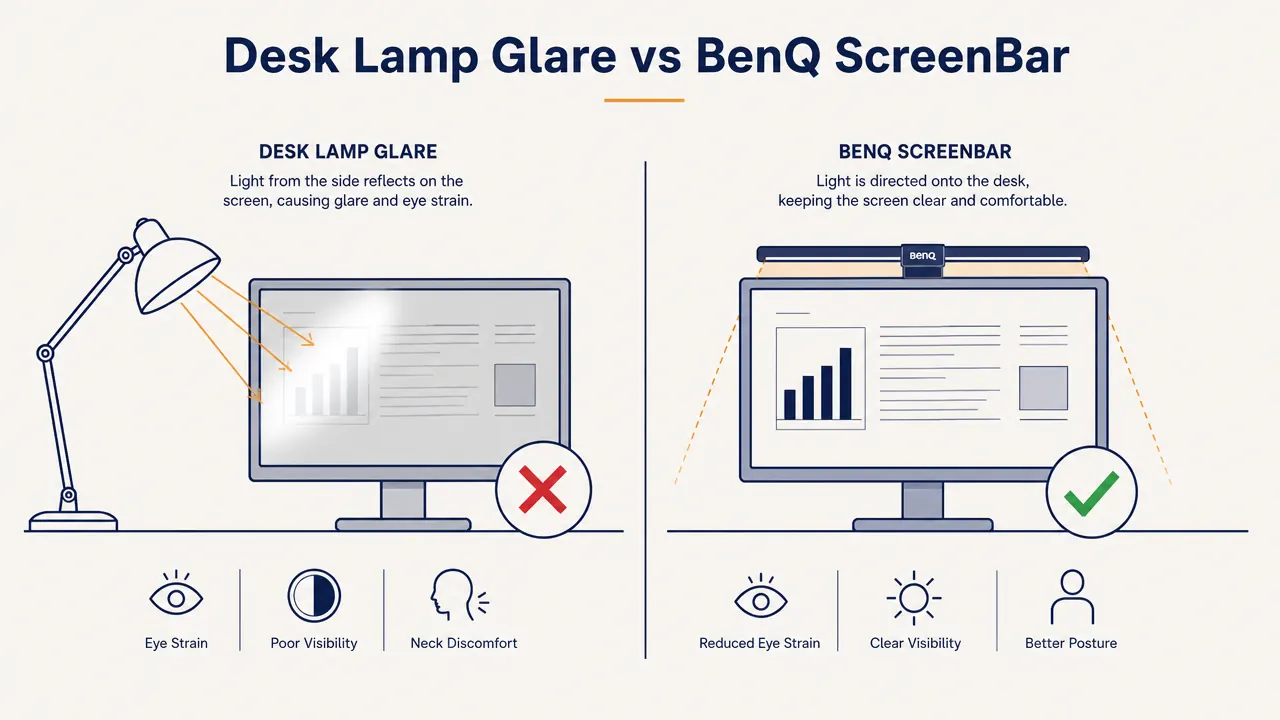
The asymmetric beam pattern is the engineering detail that matters most here. The light shines down and forward onto the desk surface and keyboard. It does not hit the monitor face. That is the difference between this and any desk lamp. A lamp to the side or behind you bounces light off the screen. The ScreenBar physically cannot do that because of the beam angle. After a few days of use I noticed I had stopped adjusting my monitor brightness mid-afternoon. That was not intentional. It just stopped being a problem.
The Auto-Dimming Feature: Good, Not Perfect
The ScreenBar has a built-in ambient light sensor that automatically adjusts brightness to maintain 500 lux on the desk surface, which is the standard for desk work. In practice this works well about 85 percent of the time. On bright sunny mornings when sunlight is directly hitting my desk it sometimes dims too aggressively, leaving the keyboard area darker than I would like. On heavily overcast days it compensates correctly and the transition is smooth enough that I rarely notice it happening.
The color temperature range runs from 2700K (warm amber) to 6500K (cool daylight). I use around 4000K for most of the day, which sits in the neutral white zone and does not clash with the color calibration I have set on the monitor for photo editing. If you do color-critical work, you will want to test this yourself. The ScreenBar does not throw a perfect neutral white across the full range, though for general office work the variation is not meaningful.
After a few days I noticed I had stopped manually adjusting my monitor brightness mid-afternoon. That was not intentional. It just stopped being a problem.
Eye Strain: What Two Years of Data Actually Tells Me
I want to be careful here because I cannot run a controlled experiment on my own eyeballs. What I can say is that the afternoon headaches I was getting two or three times a week stopped after I got the lighting setup right. I changed two things at the same time: added the ScreenBar and adjusted the monitor height. I credit the light more than the height change because the headaches were clearly triggered by late-day screen sessions in dim conditions, which is exactly when the ScreenBar does its best work.
If you want the full science behind why monitor lighting reduces eye strain, there is a separate guide on how to reduce eye strain using a monitor light bar that covers the contrast ratio mechanics in detail. The short version: when your screen is much brighter than the surrounding environment, your pupils are constantly trying to reconcile the two. Good desk lighting raises the ambient brightness around the screen and reduces that contrast gap. The ScreenBar does this without adding glare, which is why it works when a desk lamp does not.
Two years in, my eyes feel better at the end of a full work day than they did before. I attribute most of that to the combination of the ScreenBar and a better monitor position, but I would not go back to the old setup for any amount of savings.
Build Quality and Durability After Two Years
The ScreenBar is made of aluminum with a matte black finish. The hinge mechanism that holds it to the monitor top feels solid and has not loosened at all over two years of daily use. I occasionally knock it when reaching behind the monitor and it holds position without creeping out of adjustment. The touch controls on the end cap were responsive on day one and remain responsive now. I have not had any flickering, dead zones on the touch strip, or brightness inconsistencies. This is not true of every monitor light bar on the market, and it is the build detail that separates the BenQ from cheaper alternatives in real long-term use.
The LEDs themselves show no visible degradation. I have no way to precisely measure lux output versus day one, but looking at the light output side by side with a newer ScreenBar at a friend's desk recently, there was no obvious difference. BenQ rates the LEDs for 50,000 hours. At my usage rate of roughly 10 hours a day, that puts me at about 7,300 hours used so far, which is less than 15 percent of rated life. I expect this unit to outlast the monitor it is currently sitting on.
One practical note: the USB cable that comes with the unit is on the short side. If your monitor does not have a USB hub built in, or if the USB port is on the back in an awkward position, you may need a short extension cable. My monitor's USB port is on the side and the included cable just barely reaches comfortably. This is a minor point but worth knowing before you buy.
How It Compares to Cheaper Alternatives
There are monitor light bars available at lower price points that look similar to the ScreenBar in product photos. I tested a Quntis unit for about three weeks before keeping the BenQ. If you want the full breakdown, I covered the BenQ ScreenBar vs. the Quntis monitor lamp in detail elsewhere on this site. The summary: cheaper bars generally have narrower color temperature ranges, less precise beam control, and build quality that shows up quickly in loose hinges and inconsistent touch controls. For the price gap, most people doing serious desk work will find the BenQ worth it.
The ScreenBar Plus, BenQ's higher-end version with a separate wireless dial controller, is worth considering if you frequently adjust settings throughout the day. The dial is genuinely more convenient than the touch strip on the base unit for quick changes. But the base ScreenBar with auto-dimming covers 90 percent of use cases and saves you a significant amount.
What I Liked
- Zero glare on screen due to asymmetric beam design, even from close desk positions
- Auto-dimming works reliably and removes the need to manually adjust throughout the day
- Excellent build quality, no degradation after two years of daily use
- USB-powered from the monitor itself, no extra wall outlet needed
- Full color temperature range from warm to daylight white suits different work types
- Clip mechanism fits most monitors without tools, installs in under two minutes
Where It Falls Short
- At a premium price point it costs more than most people expect to spend on task lighting
- Auto-dimming can overcompensate on bright mornings with direct sunlight on the desk
- Included USB cable is short and may not reach if your monitor's USB port is in an awkward spot
- No wireless controller without upgrading to the ScreenBar Plus, which adds significant cost
Who This Is For
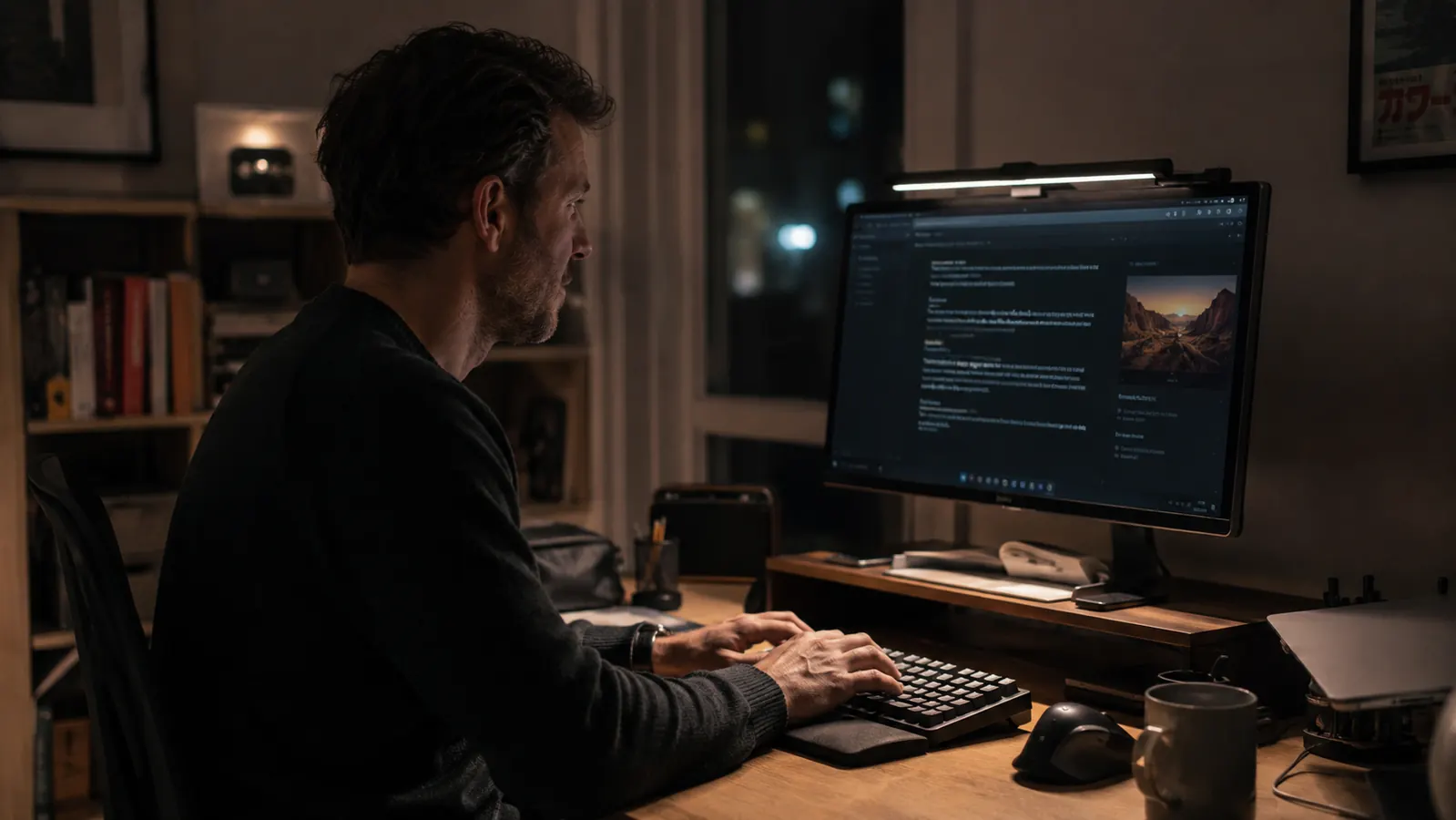
This light is built for anyone who spends four or more hours a day at a desk with a monitor. That includes remote workers, freelancers, writers, developers, video editors, and students doing long study sessions. If you currently rely on overhead ceiling lights and a desk lamp and you notice eye fatigue in the afternoon, the ScreenBar is the single most effective lighting change you can make. It is especially worth it if you work in a room with inconsistent natural light, where clouds, season changes, or the time you start work mean the ambient conditions shift throughout the day. The auto-dimming handles all of that without you touching anything.
Who Should Skip It
If you work mostly in a well-lit office with consistent overhead lighting and rarely work in dim conditions, the ScreenBar's auto-dimming benefits matter less. A budget monitor light bar would likely satisfy you in that environment. Skip the BenQ if you are primarily looking for ambient room lighting rather than focused task lighting. The ScreenBar is a precision tool for illuminating a desk surface without touching the screen. It is not a general room light and does not replace overhead lighting. Also, if your monitor top has a curved or unusually thick edge, check the clip dimensions against your specific display before ordering, because not every monitor profile is compatible.
Two years on my monitor and I have never once missed my desk lamp. That is the real review.
At a premium price point the BenQ ScreenBar costs more than most people expect to spend on a light. But if you are staring at a screen for six or more hours a day, it is the only light designed specifically to illuminate a desk without throwing glare back at the monitor. It clips on in 30 seconds and runs off your monitor's USB port.
Amazon Check Today's Price on Amazon →